
Published: 13 April 2026, 09:00 PM
Introduction
Managing business documents is no longer a simple task. As organizations grow, so does the volume of data they generate. Files get scattered across emails, desktops, shared drives, cloud platforms, and third-party applications. This fragmented approach leads to inefficiencies, data loss risks, and wasted time searching for critical information.
In today’s digital-first environment, businesses need a structured and centralized approach to document management. Without it, teams struggle with outdated files, duplication, and security concerns.
This is where SharePoint document management becomes a powerful solution. SharePoint provides a centralized platform that allows organizations to store, organize, manage, and securely access documents from anywhere. It not only improves efficiency but also enhances collaboration, compliance, and data governance.
In this blog, we will explore how SharePoint helps businesses organize data efficiently, common document management challenges, best practices, and how organizations can maximize their investment.
What Is SharePoint Document Management
SharePoint is a web-based platform that acts as a centralized document management system. It enables organizations to create structured document libraries where files can be stored, categorized, and accessed easily.
Unlike traditional file storage systems, SharePoint is designed to support collaboration, automation, and governance. It integrates seamlessly with Microsoft tools such as Microsoft 365, making it easier for teams to work together in real time.
Key Capabilities of SharePoint Document Management
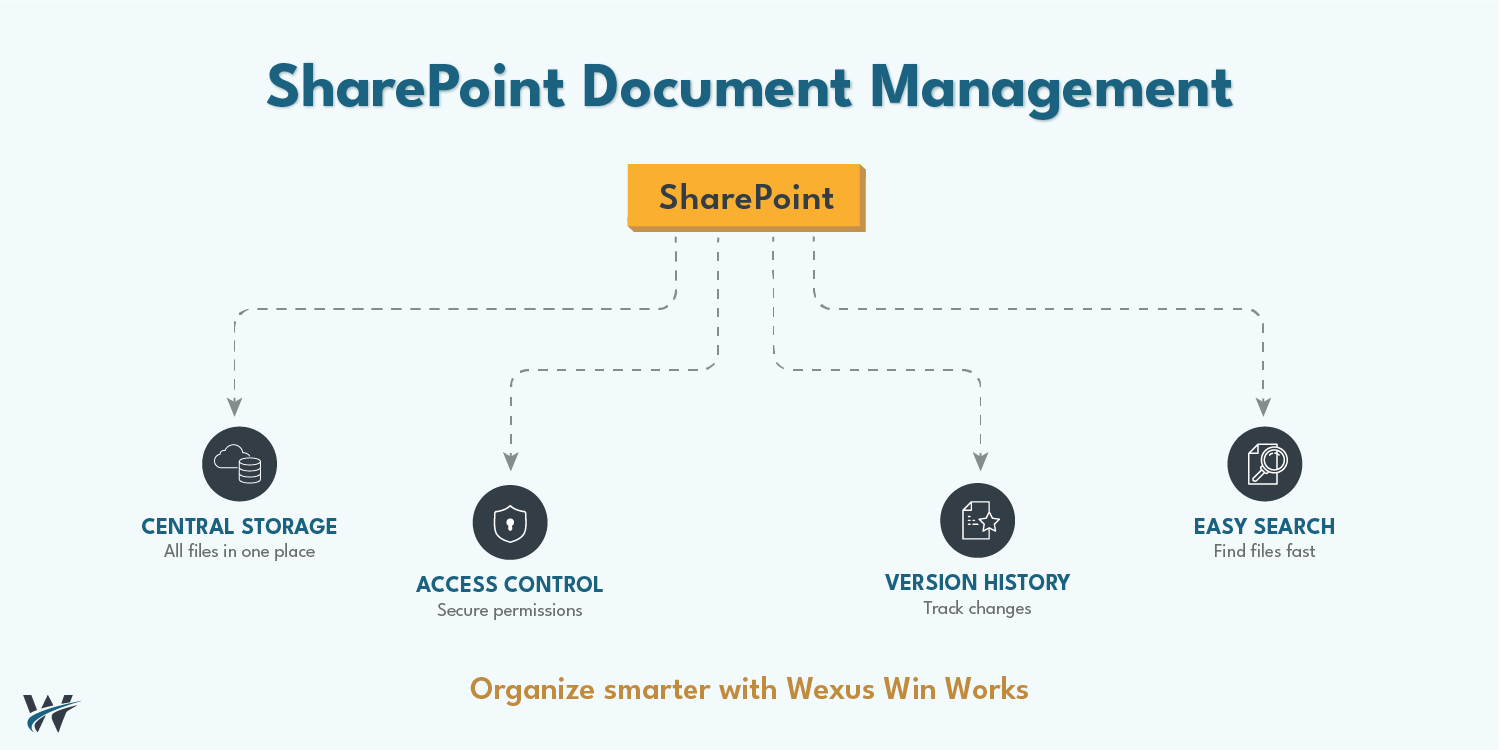
Centralized File Storage
All documents are stored in one secure location, eliminating the need for multiple storage systems. This ensures that employees always know where to find information.
Controlled Access Permissions
SharePoint allows administrators to define who can view, edit, or share documents. This ensures that sensitive data is only accessible to authorized users.
Version History Tracking
Every change made to a document is recorded. Users can view previous versions and restore them if needed, reducing the risk of data loss.
Secure Document Sharing
Documents can be shared internally and externally with controlled permissions, ensuring security while maintaining collaboration.
Integration with Business Tools
SharePoint integrates with tools like Microsoft Teams, Outlook, and OneDrive, enabling seamless workflows and communication.
Common Document Management Challenges
Before implementing SharePoint, many organizations face several challenges that affect productivity and data security.
One of the biggest issues is scattered data. Documents are often stored across different platforms such as local drives, email attachments, cloud storage, and USB devices. This makes it difficult to locate files quickly.
Without a proper system, multiple versions of the same document are created. Employees may unknowingly work on outdated files, leading to errors and confusion.
In the absence of proper access controls, sensitive business data can be accessed by the wrong individuals. This increases the risk of data breaches and compliance issues.
When files are not organized properly, employees spend a significant amount of time searching for information. This reduces productivity and delays decision-making.
Teams often rely on email attachments to share documents, which leads to duplication and miscommunication. Collaboration becomes inefficient and time-consuming.
Many industries require strict compliance with data regulations. Without proper document tracking and control, businesses may struggle to meet compliance requirements.
Best Practices for SharePoint Document Management
To fully leverage SharePoint, organizations need to follow structured best practices. Proper implementation ensures maximum efficiency and long-term success.
A well-organized document library is the foundation of effective document management.
A clear structure ensures that users can easily locate documents without confusion.
Access control is critical for maintaining data security.
This ensures that sensitive data remains protected while still being accessible to authorized users.
Version control helps track changes and maintain document integrity.
This eliminates confusion and ensures that teams always work on the latest version.
Metadata is one of the most powerful features in SharePoint.
Metadata makes searching faster and more efficient.
Consistent naming conventions improve clarity and organization.
A standardized naming system ensures that files are easy to identify.
Automation improves efficiency and reduces manual effort.
This ensures that tasks are completed faster and with fewer errors.
SharePoint offers powerful search capabilities.
A well-optimized search system saves time and boosts productivity.
Even the best system fails without proper user adoption.
User awareness is key to successful implementation.
Benefits of SharePoint Document Management for Businesses
Implementing SharePoint brings significant advantages that improve overall business efficiency.
A structured document management system ensures that files are stored logically and consistently. This reduces clutter and confusion.
With centralized storage and powerful search features, employees can find documents quickly. This saves time and improves productivity.
Teams can work on documents simultaneously, share updates in real time, and avoid duplication. This enhances teamwork and communication.
Role-based access control ensures that sensitive information is protected. SharePoint also includes security features such as encryption and compliance tools.
By eliminating redundant storage systems and improving efficiency, businesses can reduce costs associated with document management.
SharePoint helps organizations meet compliance requirements by maintaining audit trails, version history, and controlled access.
As businesses grow, SharePoint can scale to handle increasing data volumes without compromising performance.
Employees can access documents from anywhere, enabling remote work and flexible operations.
How to Implement SharePoint Document Management Successfully
A successful implementation requires careful planning and execution.
Step 1: Assess Current Document Systems
Identify existing storage systems, challenges, and inefficiencies. Understand how documents are currently managed.
Step 2: Define Objectives
Set clear goals for what you want to achieve with SharePoint, such as improved collaboration, better security, or faster access.
Step 3: Design the Structure
Create a logical structure for document libraries, folders, and metadata.
Step 4: Configure Permissions
Define access levels and ensure that sensitive data is protected.
Step 5: Migrate Data
Move documents from legacy systems to SharePoint while maintaining structure and organization.
Step 6: Test the System
Ensure that everything works correctly before full deployment.
Step 7: Train Users
Provide training and resources to help employees adopt the new system.
Step 8: Monitor and Optimize
Continuously monitor usage and make improvements as needed.
How Wexus Win Works Helps
Implementing SharePoint document management requires expertise and a strategic approach. Wexus Win Works helps businesses streamline their document management systems and maximize the benefits of SharePoint.
SharePoint Setup and Configuration
We design and implement SharePoint environments tailored to your business needs. This includes setting up document libraries, permissions, and workflows.
Document Management Design
Our experts create structured document management systems that improve organization and accessibility.
Migration from Legacy Systems
We ensure a smooth transition from existing systems to SharePoint without data loss or disruption.
Access Control Implementation
We configure role-based access controls to protect sensitive data and ensure compliance.
Workflow Automation
We implement automated workflows to streamline business processes and improve efficiency.
Ongoing Support and Optimization
We provide continuous support to ensure that your SharePoint environment remains efficient and up to date.
Conclusion
Effective document management is essential for modern businesses. Without a structured system, organizations face challenges such as data fragmentation, security risks, and reduced productivity.
SharePoint document management provides a centralized, secure, and efficient solution for organizing business data. With features like version control, metadata, access permissions, and integration with business tools, SharePoint transforms how organizations manage documents.
By following best practices and implementing a well-designed system, businesses can improve collaboration, enhance security, and achieve greater efficiency.
Call to Action
Ready to transform your document management system?
Connect with Wexus Win Works today and implement a structured SharePoint document management solution that improves efficiency, security, and collaboration across your organization.