
Published: 15 April 2026, 09:00 PM
Introduction
In today’s digital economy, businesses generate massive volumes of data every single day. From customer interactions and sales transactions to operational metrics and marketing performance, data is everywhere. However, having access to data alone is not enough. Without the right tools and strategies, this data often remains unused, scattered, or difficult to interpret.
This is where Microsoft Power BI plays a critical role. Power BI enables organizations to transform raw data into meaningful, actionable insights through interactive dashboards and visually rich reports. It empowers decision-makers with real-time information, helping them respond quickly to changes and make smarter, data-driven decisions.
In this blog, we will explore how Power BI enhances business intelligence, its key features, benefits, and how organizations can leverage it to drive growth and efficiency.
What Is Power BI
Power BI is a powerful business analytics and data visualization tool developed by Microsoft. It allows organizations to connect to multiple data sources, process large datasets, and create interactive visualizations that simplify complex information.
With Power BI, businesses can:
Unlike traditional reporting tools, Power BI focuses on usability and accessibility. Even non-technical users can create reports and explore data without deep expertise in data science or programming.
Power BI is available in multiple formats, including:
This flexibility makes it suitable for organizations of all sizes, from startups to large enterprises.
Why Businesses Need Power BI
Data-Driven Decision Making
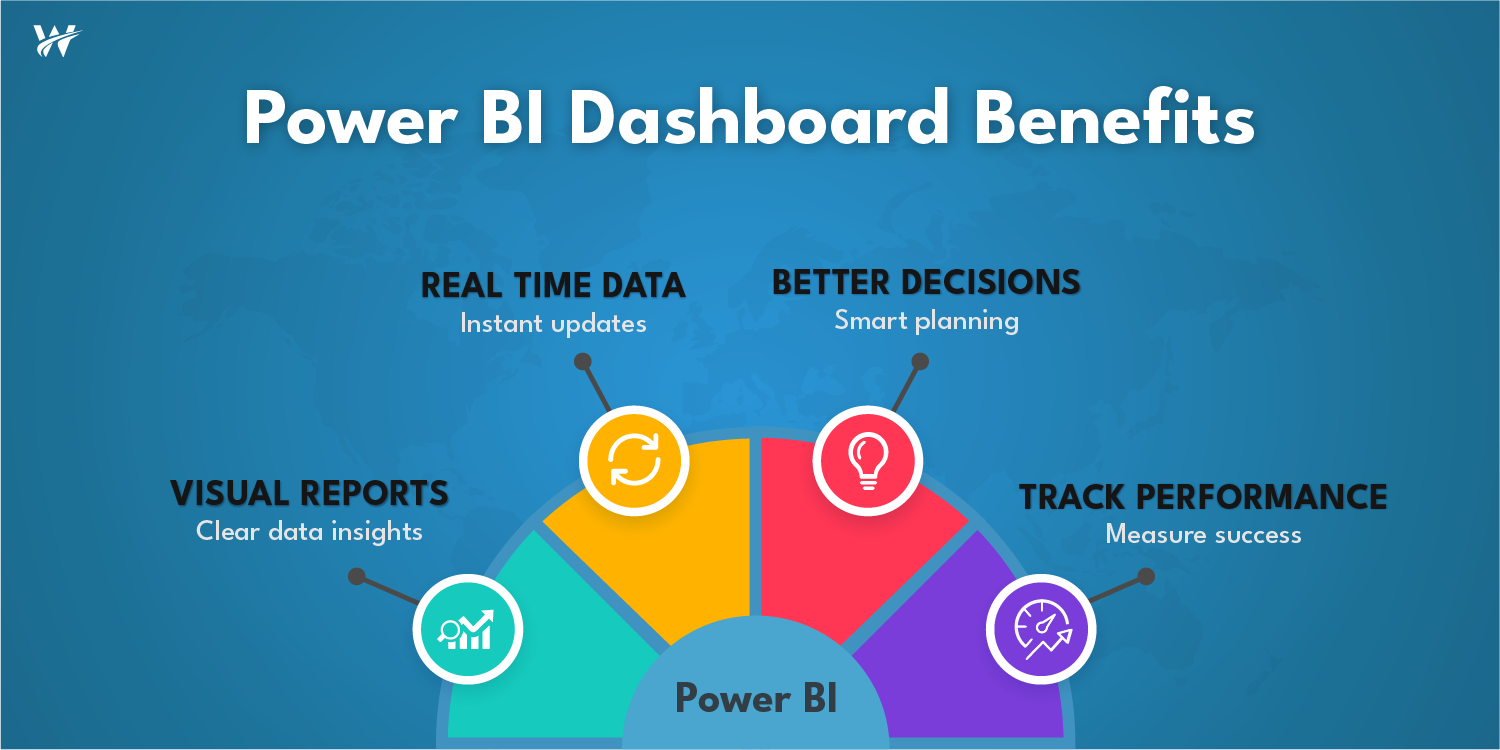
Modern businesses cannot rely on assumptions or outdated reports. Decisions need to be backed by accurate and current data. Power BI provides real-time insights, allowing leaders to make informed decisions quickly and confidently.
Real-Time Reporting
Traditional reporting methods often involve delays. By the time reports are generated, the data may already be outdated. Power BI solves this problem by offering real-time data updates, ensuring that businesses always have the latest information at their fingertips.
Better Visibility Across Operations
Power BI consolidates data from different departments into a single platform. This unified view helps organizations understand their overall performance and identify areas that need attention.
Improved Performance Tracking
With interactive dashboards, businesses can track key performance indicators (KPIs) in real time. This enables teams to monitor progress, identify trends, and take corrective actions when necessary.
Key Features of Power BI
Interactive Dashboards
One of the most powerful features of Power BI is its interactive dashboards. These dashboards provide a visual representation of business data through charts, graphs, and tables.
Users can:
This interactivity makes it easier to understand complex datasets and uncover hidden insights.
Data Integration
Businesses often use multiple systems such as CRM platforms, ERP software, cloud storage, and databases.
Power BI integrates seamlessly with a wide range of data sources, including:
This capability eliminates data silos and ensures that all information is available in one place for analysis.
Real-Time Analytics
Power BI supports real-time data streaming, allowing businesses to monitor live data.
This is especially useful for:
Real-time analytics enables organizations to respond immediately to changes, reducing risks and improving outcomes.
Custom Reports
Every business has unique requirements. Power BI allows users to create customized reports tailored to specific goals and metrics.
Users can:
This flexibility ensures that each department gets the insights they need.
AI-Powered Insights
Power BI includes built-in artificial intelligence capabilities that help users discover patterns and trends automatically.
Features like:
Make it easier to analyze data without advanced technical knowledge.
Data Security
Security is a major concern for organizations handling sensitive data.
Power BI offers robust security features, including:
These features ensure that data is protected while still being accessible to authorized users.
Business Benefits of Power BI
Faster Decision Making
With real-time dashboards and instant access to data, businesses can make quicker decisions. This agility is essential in competitive markets where timing is critical.
Improved Productivity
Power BI reduces the time spent on manual data collection and reporting. Employees can focus on analysis and strategy rather than administrative tasks.
Better Forecasting
By analyzing historical data and trends, Power BI helps businesses predict future outcomes. This improves planning and reduces uncertainty.
Clear Data Visibility
Power BI simplifies complex data into easy-to-understand visuals. This clarity ensures that everyone in the organization can interpret data effectively.
Enhanced Collaboration
Power BI enables teams to share dashboards and reports across departments. This promotes collaboration and ensures that everyone is aligned with business goals.
Cost Efficiency
By optimizing reporting processes and improving decision-making, Power BI helps organizations reduce costs and maximize return on investment.
Use Cases of Power BI Across Industries
Sales and Marketing
Power BI helps sales teams track performance, monitor leads, and analyze customer behavior. Marketing teams can measure campaign effectiveness and optimize strategies.
Finance
Finance departments use Power BI for budgeting, forecasting, and financial reporting. It provides a clear view of revenue, expenses, and profitability.
Operations
Operations teams can monitor supply chains, inventory levels, and production efficiency. Real-time insights help improve operational performance.
Human Resources
HR teams use Power BI to analyze employee performance, track recruitment metrics, and monitor workforce trends.
Healthcare
Healthcare organizations use Power BI to track patient data, optimize operations, and improve service delivery.
How Power BI Transforms Business Intelligence
Traditional business intelligence tools often require technical expertise and lengthy processes. Power BI changes this by making data analysis more accessible and efficient.
Simplified Data Analysis
Power BI’s user-friendly interface allows users to explore data easily. Drag-and-drop features and intuitive design reduce the learning curve.
Centralized Data Platform
Power BI acts as a central hub for all business data. This eliminates fragmentation and ensures consistency across reports.
Real-Time Insights
With live data updates, businesses can monitor performance continuously and respond to changes immediately.
Scalability
Power BI can scale with business growth. Whether handling small datasets or large volumes of data, it maintains performance and reliability.
Best Practices for Implementing Power BI
Define Clear Objectives
Before implementing Power BI, businesses should identify their goals. Understanding what insights are needed helps in designing effective dashboards.
Ensure Data Quality
Accurate insights depend on clean and reliable data. Organizations should focus on data validation and consistency.
Choose the Right Data Sources
Selecting relevant data sources ensures meaningful analysis. Avoid unnecessary data that may complicate reporting.
Design User-Friendly Dashboards
Dashboards should be simple and easy to understand. Avoid clutter and focus on key metrics.
Train Employees
Providing training ensures that teams can use Power BI effectively. This maximizes adoption and value.
Monitor and Optimize
Regularly review dashboards and reports to ensure they meet business needs. Continuous improvement is essential for long-term success.
Common Challenges and How to Overcome Them
Data Silos
Many organizations struggle with disconnected data systems. Power BI’s integration capabilities help unify data sources.
Lack of Expertise
Some businesses may lack technical skills. Providing training and consulting support can address this issue.
Data Security Concerns
Implementing proper security measures ensures that sensitive data remains protected.
Resistance to Change
Employees may be hesitant to adopt new tools. Demonstrating the benefits of Power BI can encourage adoption.
How Wexus Win Works Helps
Wexus Win Works provides comprehensive support to help businesses unlock the full potential of Power BI.
Power BI Implementation
From initial setup to deployment, Wexus Win Works ensures a smooth and efficient implementation process.
Dashboard Development
Custom dashboards are designed to meet specific business requirements, providing clear and actionable insights.
Data Integration
Wexus Win Works connects multiple data sources into a unified system, eliminating silos and improving data accessibility.
Analytics Consulting
Expert consulting services help businesses define strategies, optimize data usage, and achieve their goals.
Future of Business Intelligence with Power BI
The role of business intelligence is evolving rapidly. With advancements in AI and machine learning, Power BI continues to enhance its capabilities.
Future trends include:
Organizations that adopt Power BI today will be better positioned to leverage these advancements in the future.
Conclusion
In a data-driven world, the ability to transform raw data into meaningful insights is a key competitive advantage. Power BI empowers businesses to analyze data, visualize performance, and make informed decisions in real time.
By improving visibility, enhancing productivity, and enabling faster decision-making, Power BI becomes an essential tool for modern organizations.
Businesses that invest in the right business intelligence tools can unlock new opportunities, improve efficiency, and drive sustainable growth.
Call to Action
Ready to turn your data into actionable insights?
Partner with Wexus Win Works to implement Power BI, build powerful dashboards, and unlock the full potential of your business data.