
Introduction
As organizations grow, so does the complexity of managing daily operations. Many businesses rely on separate applications for finance, sales, customer service, inventory, human resources, and reporting. While each system may perform its specific function well, disconnected applications often create data silos that slow productivity and limit visibility across the organization.
Employees spend valuable time entering the same information into multiple systems, managers struggle to generate accurate reports, and leadership teams face delays when making strategic decisions due to inconsistent or outdated data.
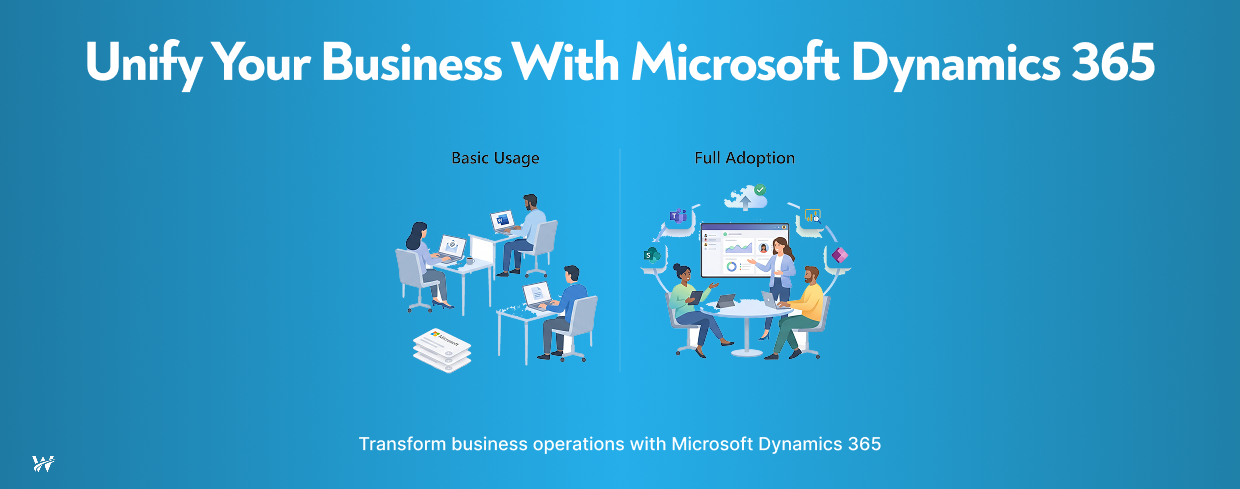
Microsoft Dynamics 365 addresses these challenges by bringing core business functions together on a single intelligent platform. By combining Enterprise Resource Planning (ERP) and Customer Relationship Management (CRM) capabilities, Microsoft Dynamics 365 enables organizations to connect people, processes, and data while improving efficiency, collaboration, and customer experiences.
Whether your organization is modernizing legacy systems or preparing for future growth, Dynamics 365 provides a flexible foundation that supports digital transformation.
What Is Microsoft Dynamics 365?
Microsoft Dynamics 365 is a cloud-based suite of business applications designed to manage critical business operations from one integrated platform. Rather than using separate software solutions for different departments, organizations can manage financial operations, customer relationships, supply chains, service delivery, and workforce management within a connected environment.
The platform integrates seamlessly with Microsoft 365, Microsoft Teams, SharePoint, Power BI, Power Apps, Azure, and other Microsoft technologies, creating a unified digital workplace where employees can collaborate without switching between multiple applications.
Depending on business needs, organizations can implement individual applications or deploy multiple modules as part of a comprehensive business management solution.
Common Dynamics 365 applications include:
This modular approach allows businesses to start with the applications they need today while expanding as requirements evolve.
Why Organizations Choose Microsoft Dynamics 365
Create One Source of Truth
One of the biggest challenges organizations face is maintaining consistent and accurate data across multiple systems.
When departments use different applications, duplicate records and conflicting information become common. Sales teams may have outdated customer information, finance teams may rely on separate billing systems, and operations teams may struggle to access real-time project updates.
Microsoft Dynamics 365 centralizes business information into a single platform where authorized users can access accurate, up-to-date data. This creates a reliable source of truth that improves reporting, forecasting, compliance, and decision-making.
With unified data, organizations spend less time reconciling information and more time focusing on business growth.
Improve Cross-Department Collaboration
Business success depends on effective communication between departments.
When finance, sales, customer service, operations, and project teams work in disconnected systems, collaboration becomes difficult. Important updates may be missed, duplicate work increases, and customer experiences often suffer.
Dynamics 365 connects departments by allowing employees to work from shared business information.
For example:
Integration with Microsoft Teams and SharePoint further improves collaboration by allowing employees to communicate, share documents, and manage projects without leaving their workflow.
Automate Business Processes
Many organizations still rely on manual approvals, repetitive data entry, spreadsheets, and email-based workflows.
These manual processes consume valuable time while increasing the risk of errors.
Microsoft Dynamics 365 helps automate routine business activities such as:
Organizations can further enhance automation using Microsoft Power Automate, reducing repetitive tasks and allowing employees to focus on strategic initiatives instead of administrative work.
Automation improves consistency, shortens processing times, and increases operational efficiency across departments.
Generate Actionable Business Insights
Making informed decisions requires timely access to accurate business data.
Dynamics 365 includes built-in dashboards, analytics, and reporting capabilities that help organizations monitor performance in real time.
When integrated with Power BI, leadership teams gain interactive visualizations that simplify complex business information.
Organizations can analyze:
AI-powered capabilities within Dynamics 365 also help identify trends, predict customer needs, recommend actions, and improve forecasting.
Instead of reacting to problems after they occur, organizations can make proactive decisions based on reliable insights.
Scale with Business Growth
Business requirements rarely remain static.
As organizations expand into new markets, hire additional employees, or introduce new services, technology platforms must be able to adapt without requiring costly replacements.
Microsoft Dynamics 365 is designed to scale alongside business growth.
Organizations can:
This flexibility allows businesses to invest in technology that supports both current operations and long-term growth strategies.
Enhance Customer Experiences
Modern customers expect fast responses, personalized interactions, and consistent service across every communication channel.
Dynamics 365 helps organizations improve customer engagement by providing a complete view of every customer relationship.
Sales representatives can access previous conversations, purchasing history, and service records before engaging with customers.
Customer service teams can resolve issues faster because they have immediate access to relevant information.
Marketing teams can create targeted campaigns using customer insights and behavioral data.
With connected customer information, organizations can build stronger relationships while improving customer satisfaction and retention.
Strengthen Financial Management
Financial visibility is essential for sustainable business growth.
Dynamics 365 Finance enables organizations to manage budgeting, forecasting, accounting, procurement, compliance, and financial reporting within a unified system.
Real-time financial insights help leaders monitor cash flow, control expenses, and make data-driven investment decisions.
Automated financial processes also reduce manual work while supporting regulatory compliance and audit readiness.
Support Remote and Hybrid Work
Today's workforce often operates across multiple locations.
Microsoft Dynamics 365 is cloud-based, allowing authorized users to securely access business applications from virtually anywhere.
Employees working remotely can collaborate through Microsoft Teams, access documents via SharePoint, and complete business processes without being tied to a physical office.
This flexibility supports business continuity while improving employee productivity.
Who Can Benefit from Microsoft Dynamics 365?
Organizations of all sizes can benefit from Dynamics 365, particularly those seeking to modernize operations and improve efficiency.
Common industries include:
Professional Services
Manage projects, clients, billing, staffing, and financial performance through integrated business applications.
Government Contractors
Support contract management, resource planning, compliance, financial reporting, and operational visibility across government projects.
Manufacturing
Improve production planning, inventory management, procurement, quality control, and supply chain visibility.
Healthcare
Coordinate patient services, financial operations, workforce management, and regulatory reporting while improving operational efficiency.
Retail
Connect sales, inventory, customer engagement, marketing, and financial operations to deliver consistent customer experiences.
Financial Services
Improve client management, compliance, financial reporting, workflow automation, and business intelligence.
Why Work with an Experienced Microsoft Dynamics 365 Partner?
Successfully implementing Dynamics 365 involves more than installing software. Organizations need a solution tailored to their business processes, goals, and future growth plans.
An experienced IT Consulting partner can help with:
With the right implementation strategy, organizations can maximize their return on investment while minimizing disruption during deployment.
Conclusion
Disconnected business systems create unnecessary complexity, reduce productivity, and make informed decision-making more difficult. Microsoft Dynamics 365 eliminates these challenges by connecting finance, sales, customer service, operations, and business intelligence within a single cloud-based platform.
By integrating data, automating workflows, improving collaboration, and providing AI-driven insights, Dynamics 365 helps organizations operate more efficiently while preparing for future growth. Whether you're modernizing legacy systems, improving customer experiences, or streamlining business operations, Microsoft Dynamics 365 provides the flexibility and scalability needed to support long-term success.
Call to Action
Ready to unify your business operations with Microsoft Dynamics 365?
Wexus Win Works delivers expert IT Consulting, Microsoft Dynamics 365 implementation, Microsoft 365 integration, Power BI, Power Apps, SharePoint, Azure, and Managed Services to help organizations streamline operations and achieve measurable business outcomes.
Contact our team today to discover how Microsoft Dynamics 365 can transform your business.