
Published: 25 March 2026, 08:00 PM
Introduction
Artificial Intelligence is no longer just a trend. It has become a core driver of business transformation across industries. Organizations are constantly looking for ways to improve efficiency, reduce operational costs, and enhance decision-making capabilities. This is where Microsoft Copilot plays a crucial role.
Integrated within Microsoft 365, Microsoft Copilot is an AI-powered assistant designed to help businesses automate tasks, generate high-quality content, analyze complex data, and streamline workflows. By embedding AI directly into everyday tools, Copilot enables employees to work smarter and faster without disrupting existing processes.
In 2026, businesses that adopt AI-powered solutions like Microsoft Copilot are gaining a significant competitive advantage. They are improving productivity, enhancing collaboration, and making data-driven decisions more efficiently than ever before.
This blog explores how Microsoft Copilot is transforming business productivity, its key benefits, real-world use cases, and how organizations can successfully implement it.
What Is Microsoft Copilot
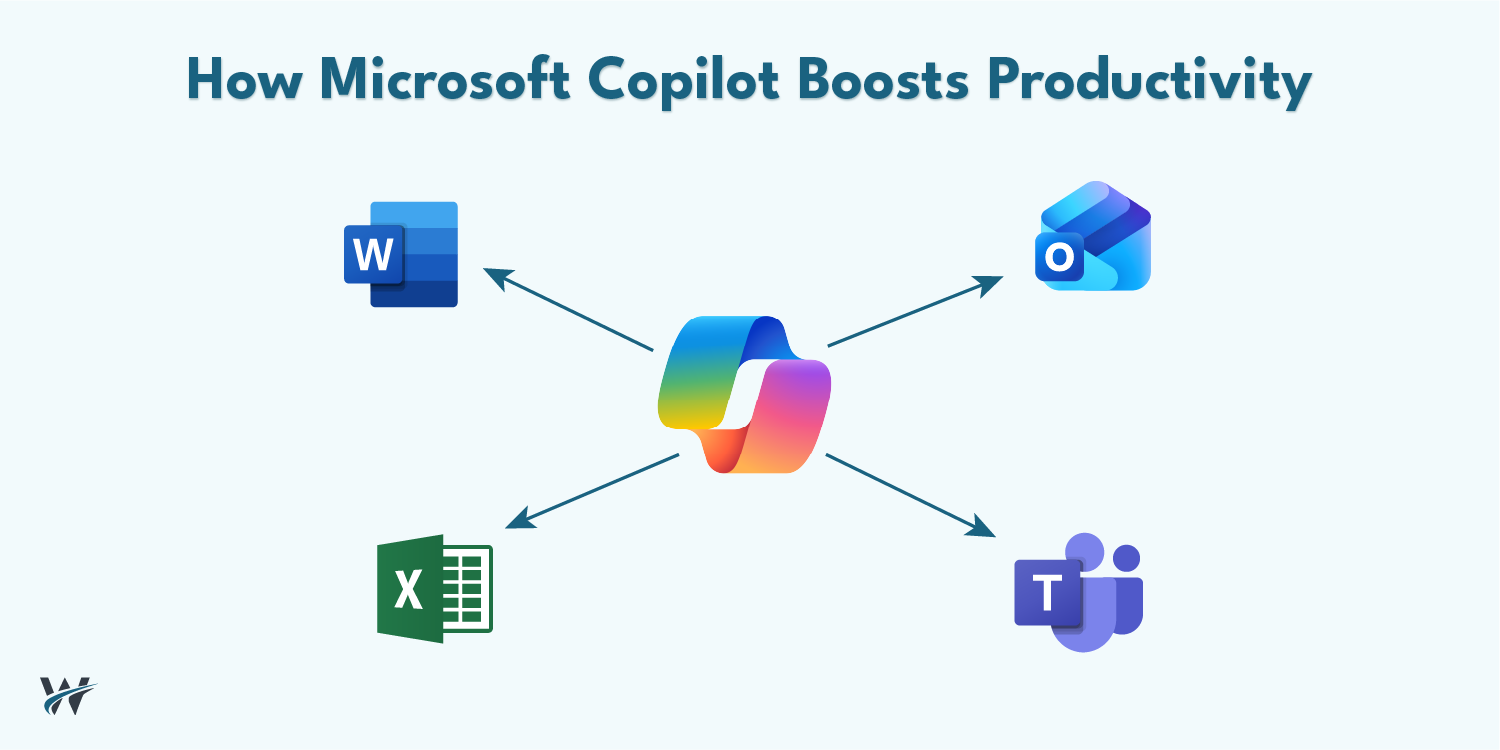
Microsoft Copilot is an advanced AI assistant powered by cutting-edge technologies like Microsoft Azure OpenAI Service and integrated into everyday business applications such as:
Copilot works alongside users, acting as a digital assistant that understands context, processes natural language, and provides intelligent suggestions.
Core Capabilities of Microsoft Copilot
Microsoft Copilot is designed to support a wide range of business functions, including:
Unlike traditional automation tools, Copilot adapts to user behavior and continuously improves through AI learning models.
Why Microsoft Copilot Matters for Modern Businesses
In today’s fast-paced digital environment, businesses face increasing pressure to do more with fewer resources. Manual processes, data overload, and inefficient workflows can slow down productivity and decision-making.
Microsoft Copilot addresses these challenges by embedding AI directly into daily work processes.
Key Reasons Businesses Are Adopting Copilot
Employees spend a significant portion of their time on repetitive tasks such as writing emails, formatting documents, and analyzing data. Copilot reduces this burden by automating these activities.
AI minimizes human errors, especially in data analysis and reporting, leading to more reliable outcomes.
With real-time insights and data summaries, leaders can make informed decisions quickly.
Since Copilot is built into Microsoft 365, businesses do not need to invest in new systems or extensive training.
Key Benefits of Microsoft Copilot for Businesses
Increased Productivity
One of the most significant advantages of Microsoft Copilot is its ability to boost productivity across the organization.
Employees can:
This allows teams to focus on strategic and high-value activities.
Improved Decision-Making
Copilot transforms raw data into actionable insights.
In tools like Excel, it can:
This empowers business leaders to make data-driven decisions with confidence.
Automation of Repetitive Tasks
Routine tasks often consume valuable time and resources.
Copilot helps automate:
Automation reduces manual effort and increases operational efficiency.
Better Collaboration
With integration into Microsoft Teams, Copilot enhances collaboration by:
Teams can stay aligned without spending extra time reviewing long conversations.
Enhanced Employee Experience
Copilot reduces workload stress by acting as a personal assistant for employees.
It helps users:
This leads to higher job satisfaction and improved performance.
Use Cases Across Departments
Microsoft Copilot is not limited to a single function. It provides value across multiple departments.
Marketing Teams
Marketing professionals can use Copilot to:
This accelerates content creation and improves campaign effectiveness.
Finance Teams
In finance, Copilot helps:
It reduces manual calculations and improves financial accuracy.
Human Resources
HR teams can leverage Copilot for:
This improves efficiency in talent management.
Sales Teams
Sales professionals benefit from Copilot by:
This allows sales teams to focus more on closing deals.
Operations and IT Teams
Operations teams can use Copilot to:
IT teams can enhance system management and improve support efficiency.
Real-World Impact of Microsoft Copilot
Organizations that have adopted Microsoft Copilot are seeing measurable improvements in productivity and efficiency.
Key Outcomes:
AI-powered tools are no longer optional. They are becoming essential for business success.
Security and Compliance Considerations
While AI adoption brings numerous benefits, businesses must also focus on security and compliance.
Microsoft Copilot is built with enterprise-grade security features within Microsoft 365.
Key Security Features:
Organizations can confidently use Copilot while maintaining data integrity and security.
How to Successfully Implement Microsoft Copilot
Adopting Microsoft Copilot requires a strategic approach.
Step 1: Assess Business Needs
Identify areas where AI can deliver the most value, such as:
Step 2: Optimize Microsoft 365 Environment
Ensure your Microsoft 365 setup is fully optimized for Copilot integration.
Step 3: Train Employees
Provide training to help employees understand how to use Copilot effectively.
Step 4: Start with Pilot Projects
Begin with small implementations and gradually expand across the organization.
Step 5: Monitor and Improve
Continuously track performance and optimize usage for better results.
How Wexus Win Works Helps
Wexus Win Works plays a critical role in helping businesses adopt Microsoft Copilot successfully.
Services Offered
With expert guidance, businesses can maximize the value of their AI investment.
Future of AI in Business Productivity
AI is expected to become even more integrated into business operations in the coming years.
Tools like Microsoft Copilot will continue to evolve, offering:
Businesses that embrace AI today will be better prepared for the future.
Conclusion
Microsoft Copilot is transforming how businesses operate by embedding AI into everyday workflows.
From automating repetitive tasks to improving decision-making and collaboration, Copilot is helping organizations achieve higher productivity and efficiency.
In a competitive business environment, adopting AI-powered tools is no longer optional. It is essential for growth and success.
Organizations that implement Microsoft Copilot early will gain a significant advantage by working smarter, faster, and more effectively.
Call to Action
Ready to transform your business productivity with Microsoft Copilot?
Talk to Wexus Win Works today to implement AI-driven solutions that streamline operations, enhance efficiency, and drive growth.