
Published: 01 April 2026, 08:00PM
Introduction
In today’s digital first business environment, security is no longer just an IT concern. It is a core business priority. Organizations across industries rely heavily on Microsoft 365 for communication, collaboration, data storage, and productivity. While this platform offers powerful tools and flexibility, it also presents a significant attack surface if not configured correctly.
Many businesses assume that simply using a cloud platform means their data is automatically secure. This is a dangerous misconception. Cloud security operates on a shared responsibility model, where the provider ensures infrastructure security, but the organization is responsible for configuring and managing access, identities, and data protection.
In 2026, cyber threats have become more sophisticated than ever. Attackers are targeting user identities, exploiting weak configurations, and using social engineering techniques to gain access. Without proper security practices in place, businesses face risks such as data breaches, financial losses, compliance violations, and reputational damage.
This blog explores the most important Microsoft 365 security best practices every business should follow to protect their digital environment and ensure long term resilience.
Why Microsoft 365 Security Matters
Microsoft 365 is the backbone of modern business operations. It includes tools like Outlook, Teams, SharePoint, and OneDrive, all of which handle sensitive business data daily. Because of this, it has become a primary target for cybercriminals.
Common Security Risks
Phishing remains one of the most common attack vectors. Employees receive seemingly legitimate emails designed to trick them into revealing login credentials or downloading malicious files.
Weak passwords or lack of additional authentication layers can allow attackers to gain control of user accounts, leading to unauthorized access to sensitive data.
Improper sharing settings in tools like SharePoint and OneDrive can expose confidential documents to unintended users, both internally and externally.
Overprivileged access is a major issue. When users have more access than necessary, the risk of accidental or malicious data exposure increases.
Not all threats come from outside. Employees or contractors with access to sensitive systems can unintentionally or intentionally compromise data.
Understanding the Shared Responsibility Model
Before implementing security measures, it is important to understand how responsibility is divided.
This means that even though you are using a trusted platform like Microsoft 365, your organization must actively implement security controls.
Key Microsoft 365 Security Best Practices
Multi Factor Authentication is one of the simplest and most effective ways to protect user accounts. It requires users to verify their identity using an additional factor such as a mobile app, SMS code, or biometric verification.
Why it matters:
Even if a password is compromised, MFA prevents unauthorized access.
Best practices:
Conditional Access allows organizations to control how users access Microsoft 365 based on conditions such as location, device, and risk level.
Examples of policies:
Benefits:
Identity is the new security perimeter. Managing who has access to what is critical.
Key steps:
Advanced approach:
Implement identity protection tools that detect risky sign in behavior and automatically respond.
SharePoint and OneDrive are widely used for document storage and sharing. Without proper controls, they can become sources of data leaks.
Best practices:
Tip:
Always review default sharing settings, as they may be too permissive for your organization.
Email remains the primary entry point for cyberattacks.
Recommended actions:
User awareness is critical:
Even the best tools cannot prevent attacks if users are not trained to identify threats.
Continuous monitoring helps detect and respond to threats early.
What to monitor:
Tools to use:
Outcome:
Early detection reduces the impact of potential security incidents.
Security is not a one time setup. It requires ongoing evaluation.
Audit checklist:
Frequency:
Quarterly audits are recommended, with more frequent checks for high risk environments.
Data Loss Prevention policies help protect sensitive information from being shared or leaked.
Examples:
Benefits:
Users access Microsoft 365 from multiple devices, including laptops, mobile phones, and tablets.
Best practices:
While Microsoft provides data redundancy, it is still important to have a backup strategy.
Why it matters:
Approach:
Use third party backup solutions and test recovery processes regularly.
Many industries must comply with regulations related to data protection and privacy.
Key areas:
Outcome:
Strong governance reduces legal risks and improves accountability.
Common Mistakes Businesses Make
Even with the right tools, many organizations fail due to poor implementation.
Default configurations are often not sufficient for business needs.
Employees are the first line of defense. Without training, security tools are less effective.
Admin accounts are high value targets and must be secured with strict controls.
Without monitoring, threats can go undetected for long periods.
How Wexus Win Works Helps
Managing Microsoft 365 security can be complex, especially for growing organizations. This is where expert support makes a difference.
Services Offered
Ensuring all security settings are properly configured based on best practices.
Implementing secure authentication, role management, and access controls.
Helping businesses meet regulatory requirements with proper policies and controls.
Providing continuous monitoring, threat detection, and incident response.
Educating employees to recognize and prevent cyber threats.
Future Trends in Microsoft 365 Security
As cyber threats evolve, security strategies must adapt.
Artificial intelligence is being used to identify patterns and detect threats faster.
Trust no user or device by default. Verify everything before granting access.
Automating responses to common threats improves efficiency and reduces response time.
Microsoft 365 security is increasingly integrated with broader cloud security solutions.
Conclusion
Securing Microsoft 365 is no longer optional in 2026. It is a critical requirement for protecting business data, maintaining customer trust, and ensuring operational continuity.
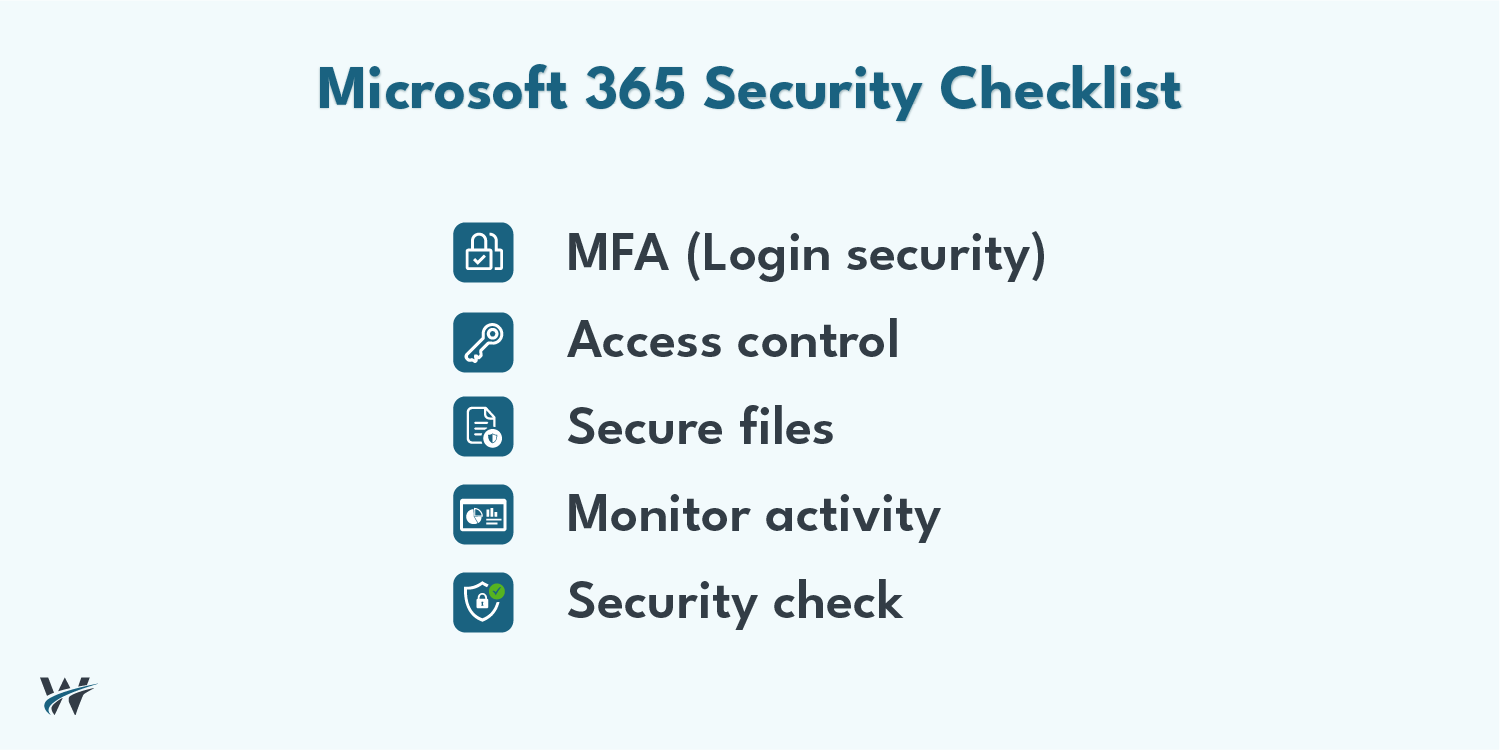
By implementing best practices such as Multi Factor Authentication, Conditional Access, data protection policies, and continuous monitoring, businesses can significantly reduce their risk exposure.
However, security is not a one time effort. It requires ongoing management, regular audits, and user awareness. Organizations that take a proactive approach to security will be better equipped to handle modern cyber threats and thrive in a digital world.
Investing in Microsoft 365 security today means safeguarding your business for the future.